How it works
From install to on sale
Install the plugin, pick how you want to build, and publish. No login and no API key along the way.

Install and connect
Add Eventrise App from the Framer Marketplace for free, then enter your organization’s Eventrise link name. No login, no API key, and you only do it once per project.
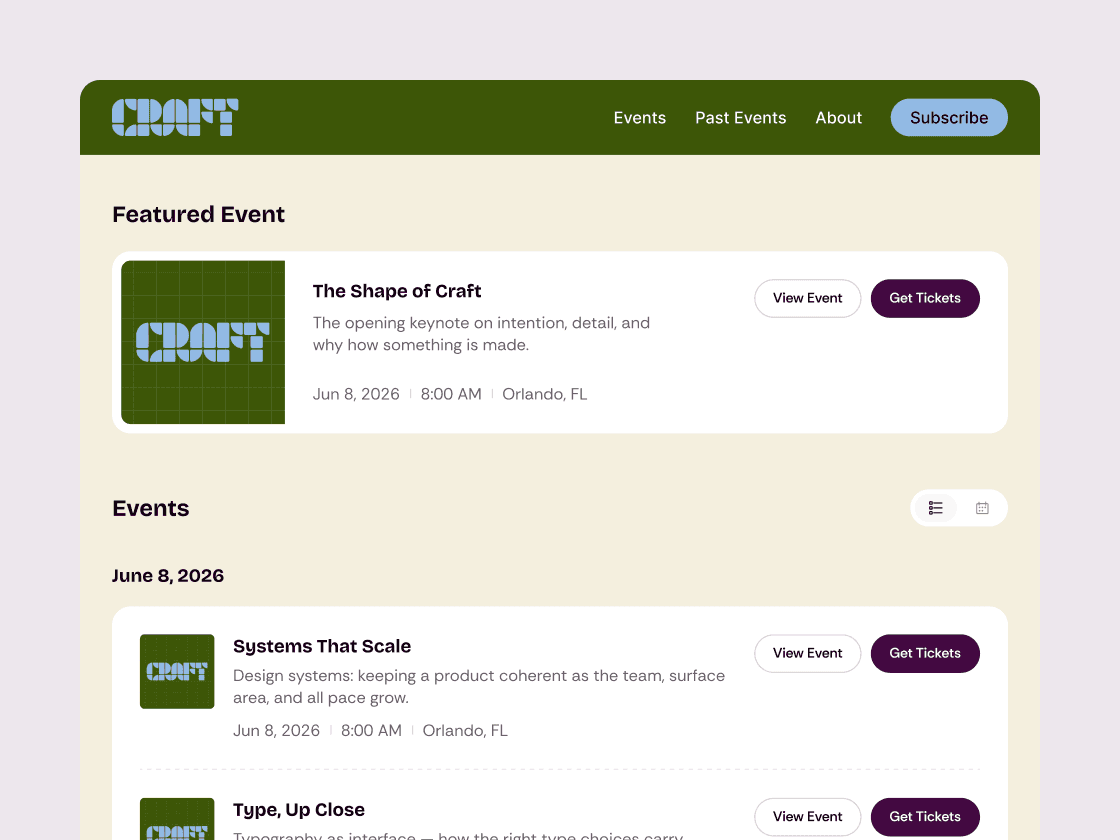
Design with sample events
Pick CMS sync or components. The canvas fills with sample events, so you can design fast without waiting on live data.
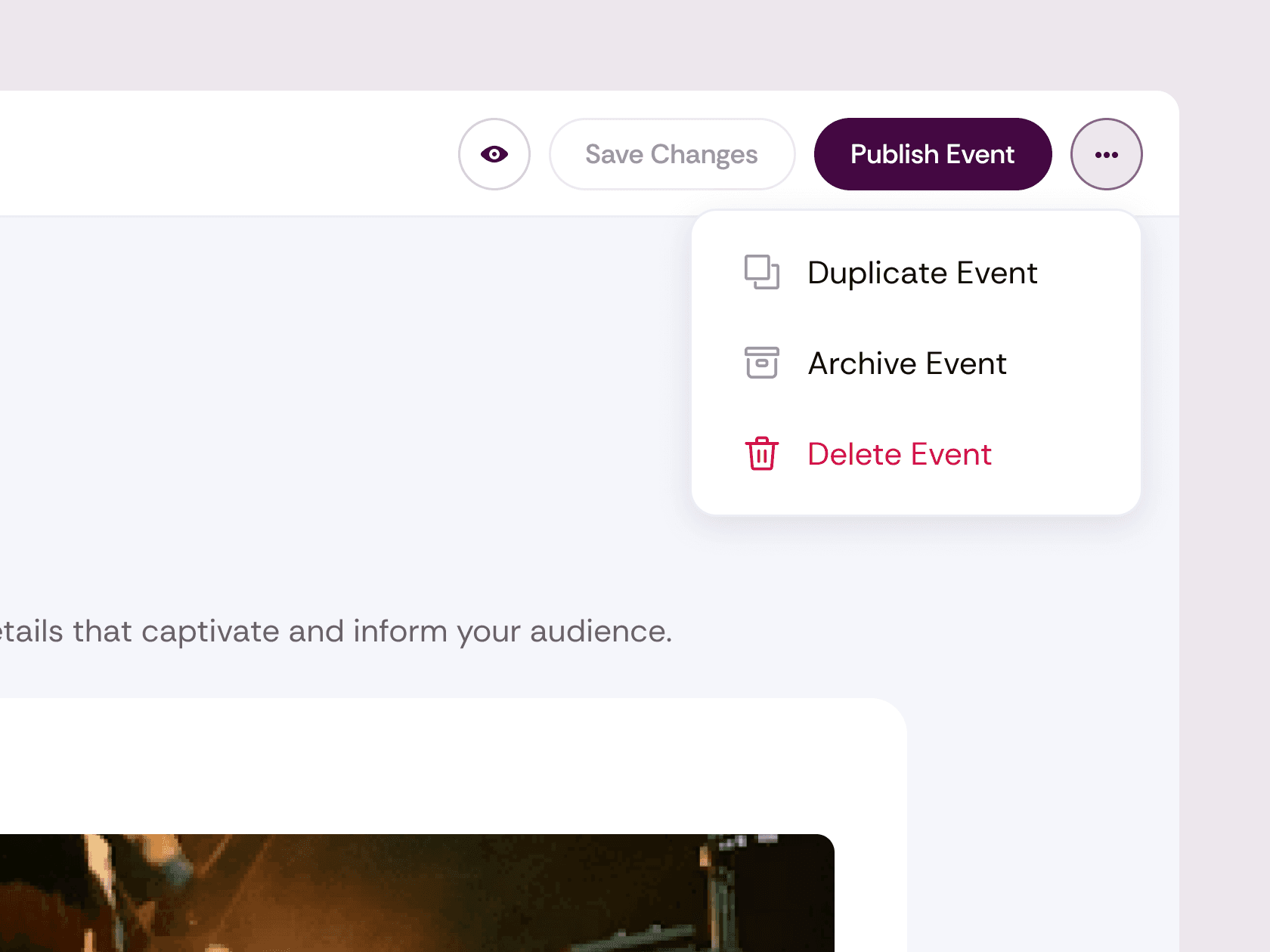
Publish and start selling
Your live site shows your real events, each in its own local time, with tickets a click away. Fans check out without creating an account.

Two ways to build
Your events, in your design
CMS sync. Your events land in a Framer CMS collection with 23 fields, from dates and venue to images and a featured flag. Build list and event pages exactly how you want them, on your own domain.
Ready-made components. A full events page with a calendar, an inline checkout, and a ticket button. Place them, publish, and you’re selling.
Live on your site. Components pull live event data on your published site, with dates shown in each event’s local time.
*Requires an Eventrise account with at least one published event.
Who it's for
For sites that already look the part
If your site lives in Framer, your events can too.