WordPress plugin

Sell tickets directly from your WordPress site

Put your events page, calendar, and checkout on any WordPress page with a block or a shortcode. Fans buy without leaving your site, and there's no API key to hunt down.

WordPress plugin

Sell tickets directly from your WordPress site

Put your events page, calendar, and checkout on any WordPress page with a block or a shortcode. Fans buy without leaving your site, and there's no API key to hunt down.

The Eventrise Events block settings in the WordPress editor, with switches for featured events, events list, and calendar.

How it works

From install to on sale

Install the plugin, add a block, and publish. No code and no API key along the way.

Searching for Eventrise in the WordPress block inserter, with the Eventrise Events block selected.
Install and connect

Upload the plugin, then enter your organization’s Eventrise link name in its settings. It confirms the connection when you save, with no API key to hunt down.
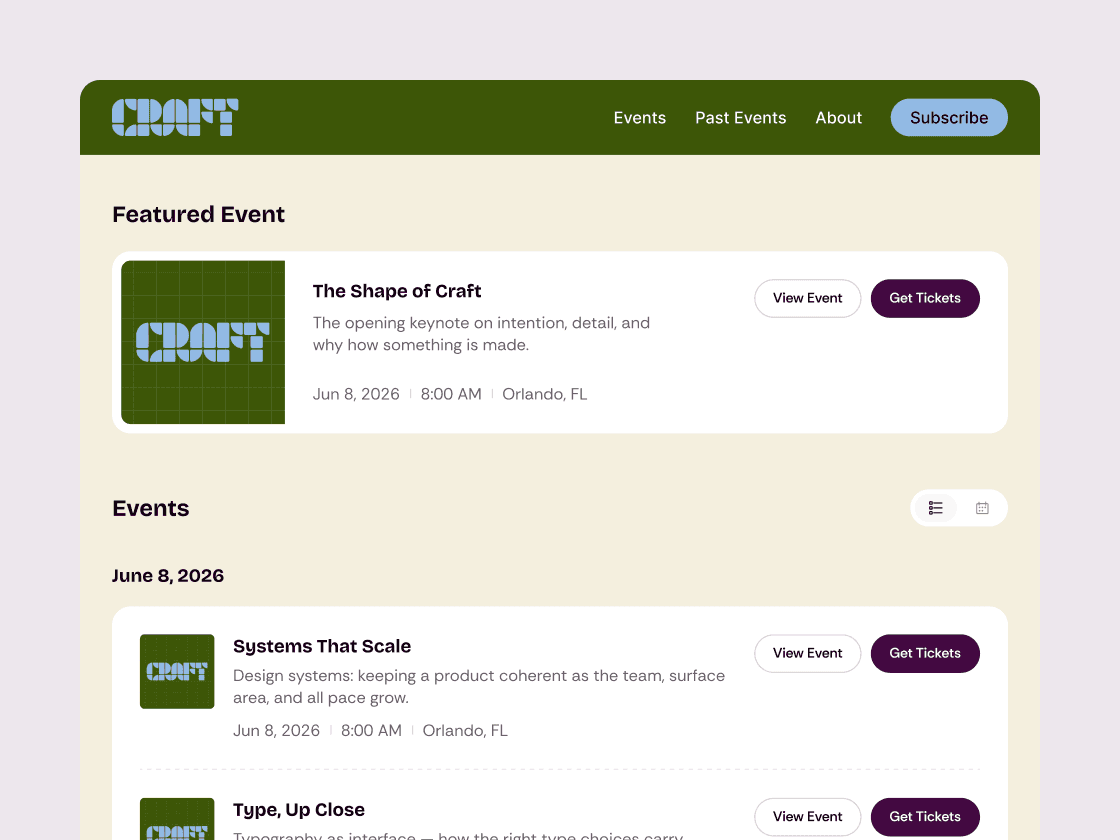
An Eventrise events page with a featured event, a list of upcoming events, and Get Tickets buttons.
Add your events to a page

Drop the Eventrise block onto any page, or paste a shortcode. Choose what shows, from featured events to the calendar, and how many.
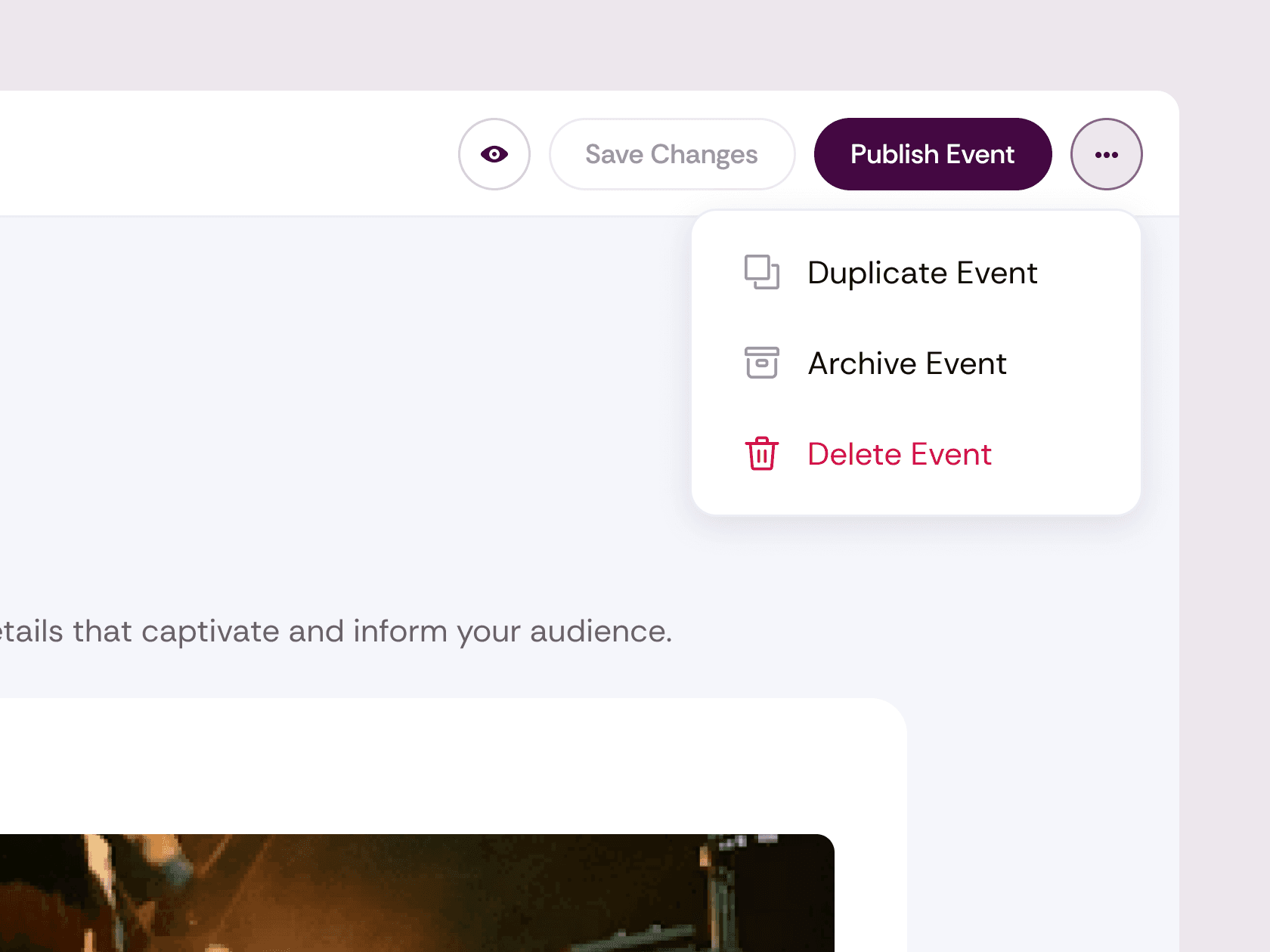
The Eventrise event editor with the Publish Event button and the duplicate, archive, and delete menu.
Publish and start selling

New events show up on their own within minutes, each in its own local time. Fans buy in a popup checkout on your site, no account needed.

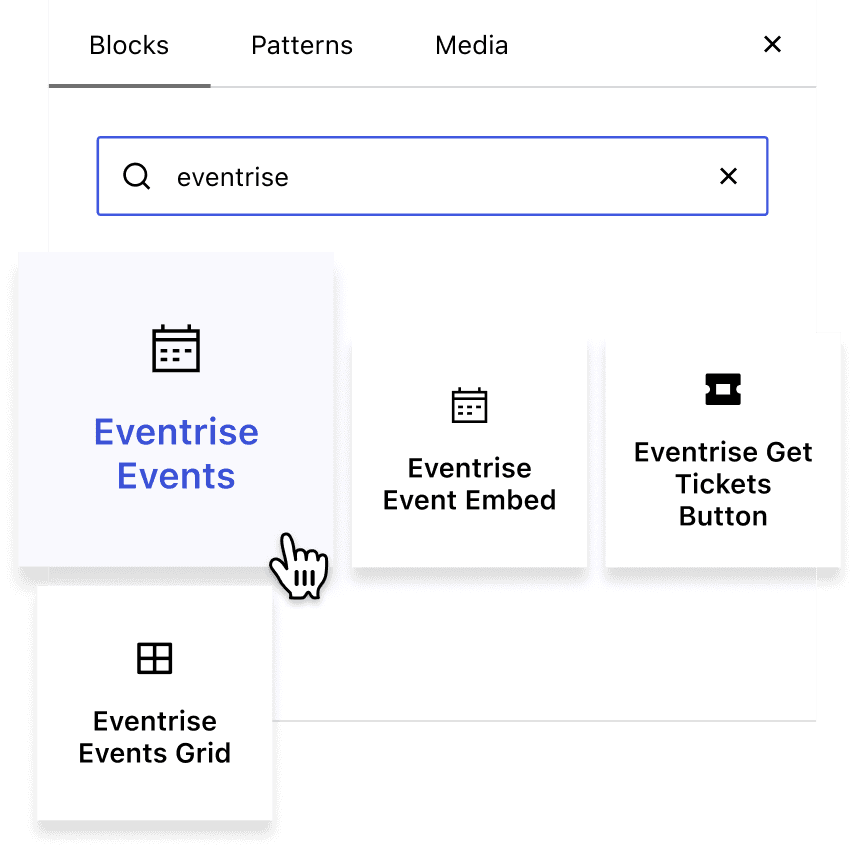
The WordPress block inserter showing the Eventrise Events, Event Embed, Get Tickets Button, and Events Grid blocks.

What you can add

Your events, right on your site

Start with a full events page, or put a ticket button exactly where you want it. It all runs from one plugin.

Start with a full events page, or put a ticket button exactly where you want it. It all runs from one plugin.

A full events page. Featured shows up top, upcoming events grouped by day, and a month calendar. Every event gets its own Buy Tickets button.

Tickets anywhere else. Add a Get Tickets button, an event grid, or checkout right on the page. Use the block editor, or paste a shortcode into any page builder.

Designed to look right on your theme. It comes with a clean Eventrise design that’s isolated from your theme’s styles. Want your own colors and fonts? Change them with a few lines of CSS.

*Works on WordPress 6.4 or later. Requires an Eventrise account with at least one published event.

Who it's for

For sites already built on WordPress

If your site runs on WordPress, your events can live there too.

For venues

Keep the site you already have and put your calendar and checkout right on it. New shows appear on their own, so nobody updates the events page by hand.

For venues

Keep the site you already have and put your calendar and checkout right on it. New shows appear on their own, so nobody updates the events page by hand.

For chapters and communities

Meetups, chapters, and conferences that run on WordPress get a full events page with a calendar and checkout, without rebuilding the site.

For chapters and communities

Meetups, chapters, and conferences that run on WordPress get a full events page with a calendar and checkout, without rebuilding the site.

Built on WordPress. Sold with Eventrise.

Built on WordPress. Sold with Eventrise.

Built on WordPress. Sold with Eventrise.